See EntityBrowser in action.
Start with a question or open a view directly. Navigate within models, move between them, and share the same context across devices.
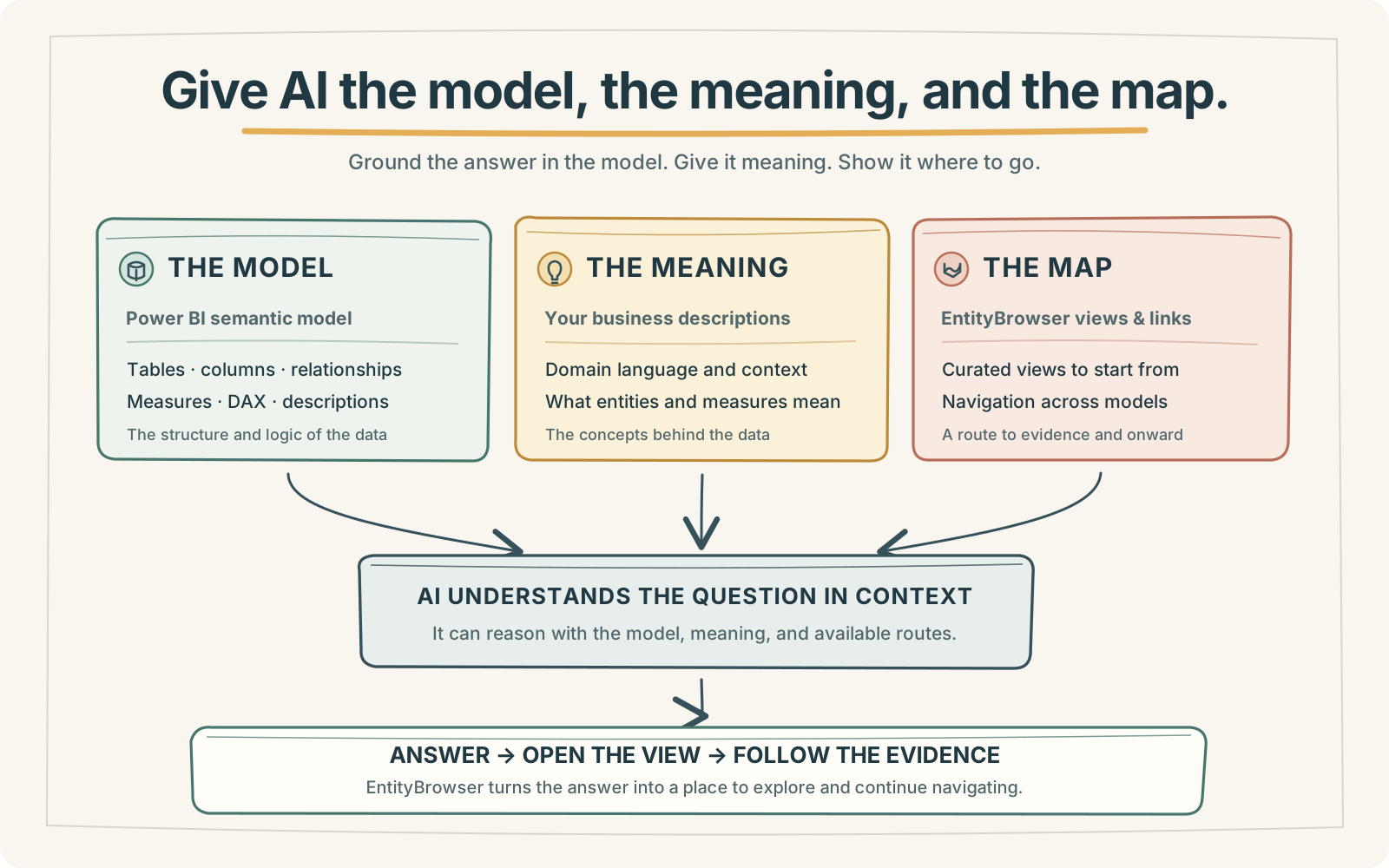
From an answer to an investigation
Ask Microsoft Copilot how much was disbursed in 2026 for activities involving Dansk Røde Kors, and how many activities were involved. Then ask it to open the result in EntityBrowser.
Follow the link into a grid with activities as rows, disbursements as the measure, and the same organisation and year filters. Continue through member panels and fact navigation to investigate the underlying details.
Navigate a semantic model
Explore dimensions, measures and facts directly through the semantic model. Move from overview to detail while keeping the model itself at the centre of the experience.
Navigate between semantic models
Start in a live operational model and move directly into a larger analytical model for history, context or evidence. Land in a Grid or Fact Navigation view and continue exploring from there.
Share a view and continue by touch
Share a view from desktop, open the same analytical context on a tablet, continue navigating by touch, and save the adapted result as a personal view.
A conversation can open the door. Navigation lets you keep exploring.
Book a free pilot