BUILT FROM EXPERIENCE
Our story.
EntityBrowser began with a simple belief: the semantic model already contains the business. People should be able to move through it.
THE ORIGINAL IDEA
The same model. A different way to use it.
Power BI dashboards are excellent predefined views for known questions. But not every insight begins with a question, and not every investigation follows a predefined path.
EntityBrowser was created as an interaction layer on the same Power BI semantic model—allowing users to explore dimensions, measures, members and underlying facts without creating another copy of the business data.
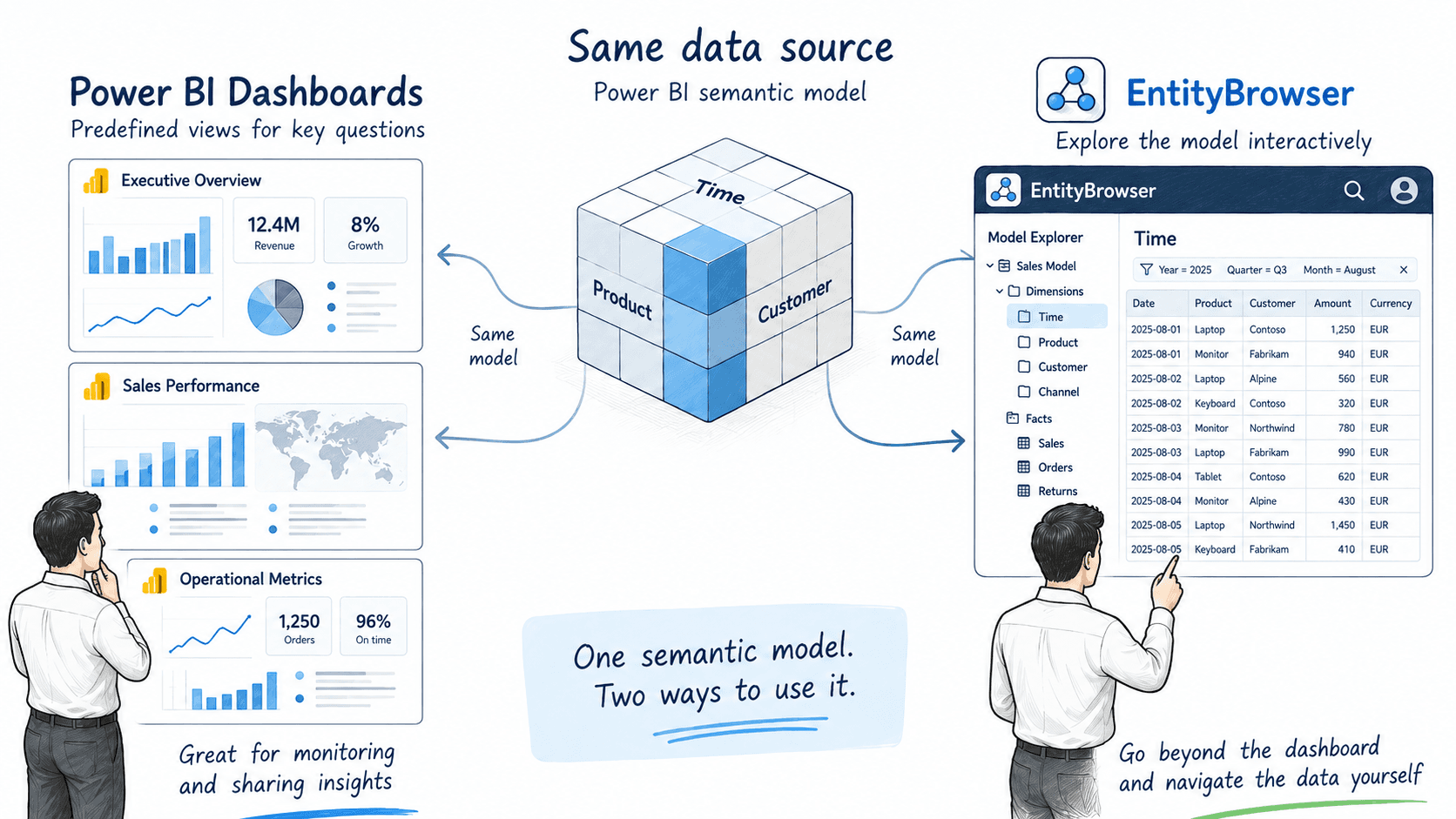
Power BI presents predefined views. EntityBrowser lets people navigate the model behind them.
THE DEVELOPMENT JOURNEY
From one navigable model to a connected ecosystem.
Each stage expanded the original idea without replacing it. Navigation remained the foundation while the architecture, the possible destinations and the ways into the experience grew around it.
- 01
Secure access
The journey began with Entra ID authentication and a secure connection to Power BI. The foundation had to respect the environment customers already trusted.
- 02
One model becomes navigable
The first single-tier version proved the core idea: users could move through dimensions, members, measures and facts instead of being limited to predefined reports.
- 03
From prototype to product architecture
The original implementation evolved into a scalable multi-tier architecture, separating the navigation experience from the services supporting it.
- 04
Beyond one Power BI site
EntityBrowser expanded to support multiple organisations, Power BI sites, workspaces and semantic models within the same product architecture.
- 05
Navigation becomes an interface
Grid, Fact Navigation, search, personal measures and saved or shared views created different ways to enter, inspect and continue through a model.
- 06
The model is no longer the boundary
Cross-model navigation connected small live operational models with larger historical models while carrying the relevant business context across.
- 07
From evidence to action
Navigation extended beyond analysis. A user could move from a signal to historical evidence and onward to the exact record in the source system.
- 08
A live model of EntityBrowser itself
Website, video, chat and application events now flow into a live DirectQuery semantic model, allowing EntityBrowser to investigate its own adoption as it happens.
- 09
A conversation becomes an entry point
The first Copilot integration opened an EntityBrowser grid directly from a conversation. Users could discover available views through chat, open one and continue exploring through members, relationships and facts. The descriptions enriching EntityBrowser also gained a new purpose: helping an AI assistant understand what users can explore and where navigation can take them.
FROM IDEA TO PRODUCT
One navigable experience, wherever the work happens.
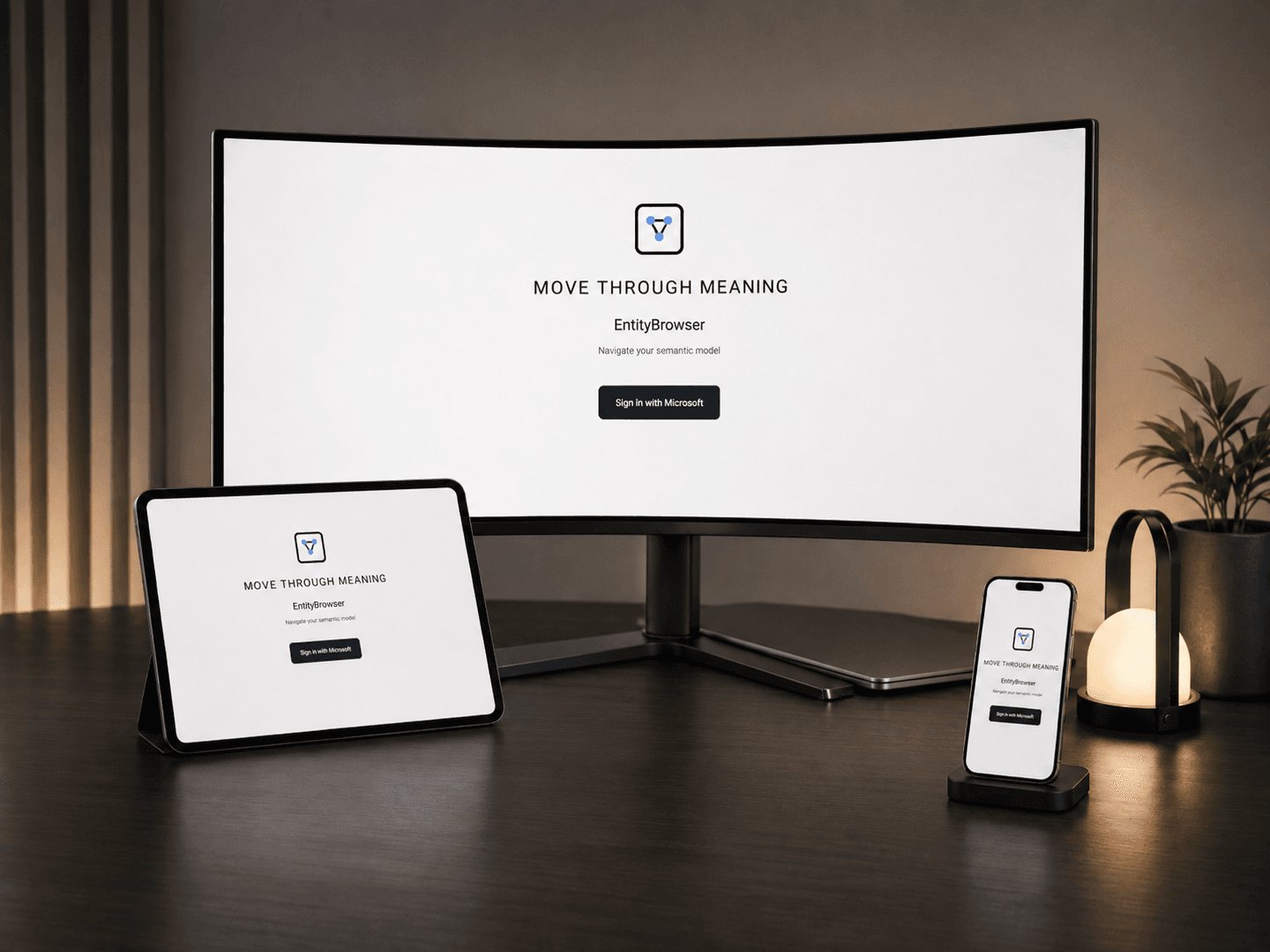
What began as an architectural idea became a working product across desktop, tablet and mobile. The interface changes with the device, but the semantic model and the navigation logic remain connected.
THE JOURNEY CONTINUES
A conversation can open the door. Navigation lets you keep exploring.
EntityBrowser’s foundation is a navigable semantic model. Copilot now provides another entry point into that experience.
As the integration develops, business descriptions and navigation metadata can help the assistant suggest meaningful next steps—from opening a relevant view to following a link into historical evidence.
Once inside EntityBrowser, people can follow relationships, inspect facts, move across models and continue to the source system.